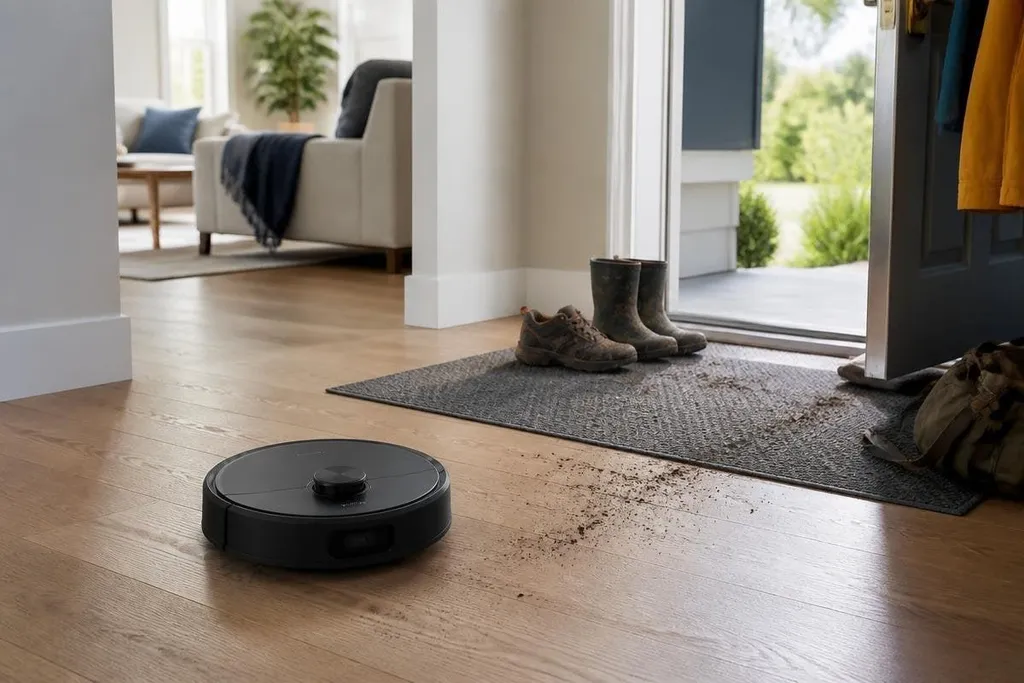
A home robot can vacuum a floor, carry a camera through rooms, or respond to voice commands. The useful question is less about how human the robot looks and more about which chores it can do without creating new safety, privacy, or repair problems.
- Good fit: repeated floor cleaning, simple monitoring, and routine reminders
- Main risks: moving parts, private recordings, weak security, and poor fault handling
- Buying test: check the task, the data, the service plan, and the exit path
Where home robots help
Repetition is where home robots make the most sense. A floor-cleaning robot can run a set route, return to a charging dock, and work while you handle another task. The value comes from fewer manual steps, not from the robot making broad decisions around the home.
A camera robot can add another type of help. It may let you check a room from a phone, watch a pet, or see whether a door is open. That only works well when the camera view is clear, the connection stays available, and the robot can reach the places you need to check.
Voice-controlled robots can also handle narrow jobs such as setting timers or controlling connected lights. These tasks involve less movement, so they avoid some risks linked to wheels, arms, heat, and contact with people.
The best use case has three traits: the task repeats, the surroundings stay fairly stable, and failure causes little harm. A robot that misses a patch of dust is an annoyance. A robot that drops a hot object needs a different level of control.
The risks inside the home
Moving parts create physical risks. Wheels can catch cables, brushes can pull in small objects, and an arm can push against a person, pet, or piece of furniture. A home robot needs a clear stop control, sensible speed limits, and a way to detect blocked paths.
Privacy starts with the sensors. Cameras, microphones, maps, and usage logs can reveal room layouts, daily routines, and the people who live there. Read the storage settings before setup. Check if recordings stay on the robot, move to a cloud service, or can be deleted from an account.
An old app password can give someone access to a home robot’s camera, stored map, or movement controls. Connected models may link the robot to your phone, Wi-Fi network, and the maker’s online account, so check how the maker sends software updates and handles security fixes. Robot 24 can add product and company details when you compare those promises with the robot’s support record.
There are also less visible costs. Some robots need replacement brushes, filters, batteries, or special cleaning fluid. A subscription can add cloud storage or extra features. If the maker stops updating the software, the robot may keep working while its connected services lose value.
What home robots still struggle with
Homes change more than product demonstrations suggest. Chairs move, laundry reaches the floor, pets block a route, and visitors may not know where the robot travels. A robot that works in a tidy room can behave differently after a small change in the furniture.
Speech creates another limit. A voice command can fail because of distance, background noise, an accent, or a phrase the software does not recognize. You need a physical control or phone option for moments when voice input fails.
Repairs can be difficult too. A sealed battery, a damaged sensor, or a broken wheel may require a return to the maker. Before buying, check the warranty length, parts list, repair process, and expected support period. A lower purchase price can lose its appeal if one failed part ends the robot's useful life.
I'd buy a home robot for one narrow chore with a clear result, not for a promise that it can manage the whole house.
A practical buying check
Use this list before you pay:
- Name the task. Write down the one repeated job the robot must finish.
- Watch failure behavior. Check how it stops, reports a blockage, and recovers after a lost connection.
- Review sensor access. List every camera, microphone, map, and account the robot needs.
- Price ownership. Add batteries, filters, parts, subscriptions, and likely repair costs.
- Plan for removal. Check how to delete your data, reset the robot, and keep the home working if the service ends.
A home robot earns its place when the task is narrow, the safety controls are clear, and the data settings make sense. The next purchase should start with the chore and the failure plan, then work backward to the robot.